

A fast instrumental drift phonk track for car racing videos
Drift PhonkAggressiveCowbell
Create viral tracks in seconds with our powerful AI Phonk Generator. From drift beats to cowbell melodies—generate, edit, and download instantly.
A fast instrumental drift phonk track for car racing videos
A chill lo-fi phonk song with smooth female vocals for night driving
A dark Memphis phonk song with gritty male vocals for gaming highlights
Experience Phonk Creation
Listen to example tracks shaped by phonk prompts, from cowbell-heavy racing energy to darker beats for edits, gaming highlights, and Brazilian-inspired videos.
A fast instrumental drift phonk track for car racing videos
A chill lo-fi phonk song with smooth female vocals for night driving
A dark Memphis phonk song with gritty male vocals for gaming highlights
An instrumental hardbass phonk anthem with heavy 808s for gym workouts
A bouncy Brazilian phonk track for short-form dance edits
An emotional wave phonk song with dreamy female vocals and synth pads
The phonk maker workflow is simple: describe the sound, choose a direction, then generate a track you can preview and keep refining.
Start with a short prompt for the vibe you want, such as heavy cowbells, dark vocals, Brazilian phonk energy, or an edit-ready track for short-form video.
Add mood, tempo, vocals, 808 bass, synth pads, or instrumental-only direction so the phonk maker understands whether you need a beat, song, loop, or edit-ready track.
Generate your phonk music, listen in the built-in player, organize results in your workspace, and download the versions that fit your project.
Phonk Creation Tools
PhonkMaker keeps the workflow focused: write a prompt, guide the style, generate music, preview results, save favorites, and download usable takes.
AI Prompt to Track
Use the phonk maker to describe cowbells, 808s, distorted vocals, dark energy, or Brazilian-inspired bounce. The product stays simple so you can create phonk without opening a complex studio setup.
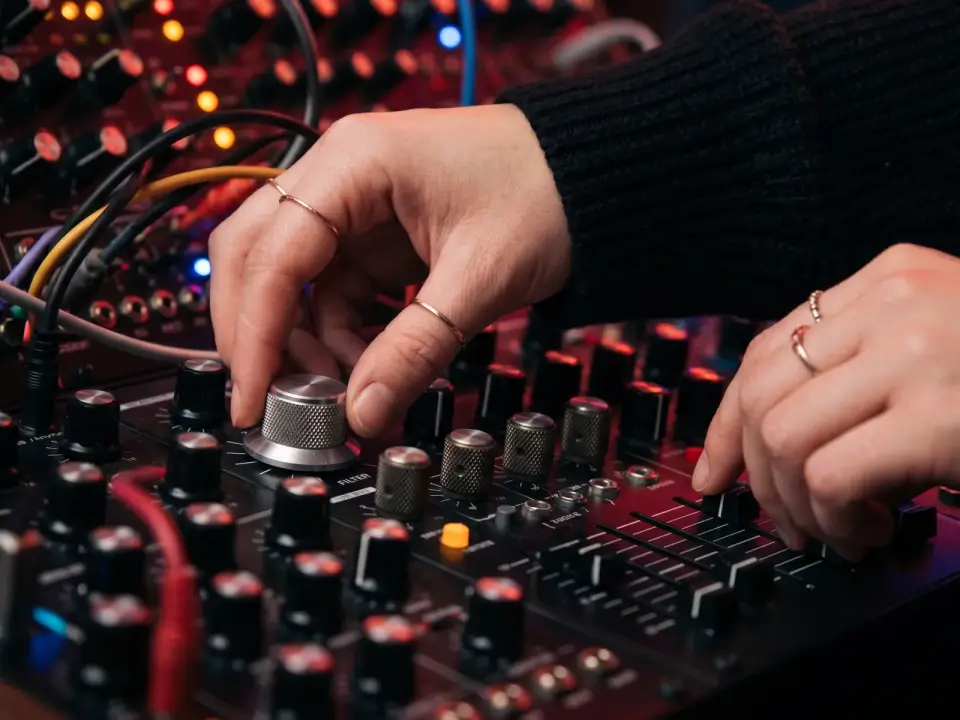
Style Direction
Guide the phonk generator toward drift phonk, trap phonk, lo-fi phonk, Memphis phonk, hardbass phonk, or experimental textures. It works as a phonk beat maker when you need instrumentals and as a phonk song maker when vocals fit.

Workspace Ready
Preview generated results, save them to your workspace, rename or organize songs, and download audio when a version matches your edit, channel, or client project.
Workflow
A focused workflow for testing prompts, comparing styles, and turning a phonk idea into a track you can keep using.
Describe the track you want
Guide the genre, mood, and instruments
Preview, organize, and download
Answers about using the phonk maker, free credits, online access, commercial use, Brazilian phonk, and tracks for edits or drifting videos.
Create an account, enter a music prompt, and use your free credits to generate your first tracks. When you need more generations, downloads, or a Commercial Use Certificate, you can choose a paid plan that fits your workflow.
PhonkMaker turns your text direction into full AI-generated music, so you can guide the genre, mood, tempo, vocals, cowbells, 808 bass, and arrangement in one place. It works as a phonk beat maker for instrumentals, a phonk song maker for full tracks, and a fast option for background music or short-form edits.
Yes. PhonkMaker runs in the browser, so you can create music from a desktop, laptop, tablet, or phone with an internet connection. Your generated tracks can be previewed, saved, organized, and downloaded from your workspace.
Commercial use is available for tracks created during eligible paid access that expressly grants commercial rights. Tracks created on free plans or other access tiers without commercial rights remain for personal use only.
Use it like a phonk edit maker: describe the scene and energy you want, such as aggressive cowbells, dark vocals, Brazilian phonk rhythm, gym intensity, or a clean instrumental drop for edits. Generate a few versions, preview them in the player, then download the one that fits your video or project.
Create phonk from text prompts, explore beat and song ideas, preview results, save favorites, and download the versions that work.