

1
Select your source song
Choose a source song from your music workspace. PhonkMaker brings over its lyrics prompt and tags so you can start quickly.
Use the AI song cover generator to rework one of your tracks with new lyrics, style direction, and vocal settings while keeping the source song connected.
Your generated tracks will appear here
AI Song Cover Workflow
Pick a finished track, adjust the text and style, then generate a cover version in the same workspace.
Choose a source song from your music workspace. PhonkMaker brings over its lyrics prompt and tags so you can start quickly.
Edit the lyrics, style, title, vocal direction, and advanced controls before submitting.
Generate the AI song cover and watch it appear in your workspace with the same creation flow as music generation.
AI Song Cover Tools
Turn a track you already like into a new version with a focused, editable cover workflow.
Source Song
Start with one of your finished tracks, preview it, and use it as the base for a new AI song cover. It keeps the creative starting point clear before you change anything.
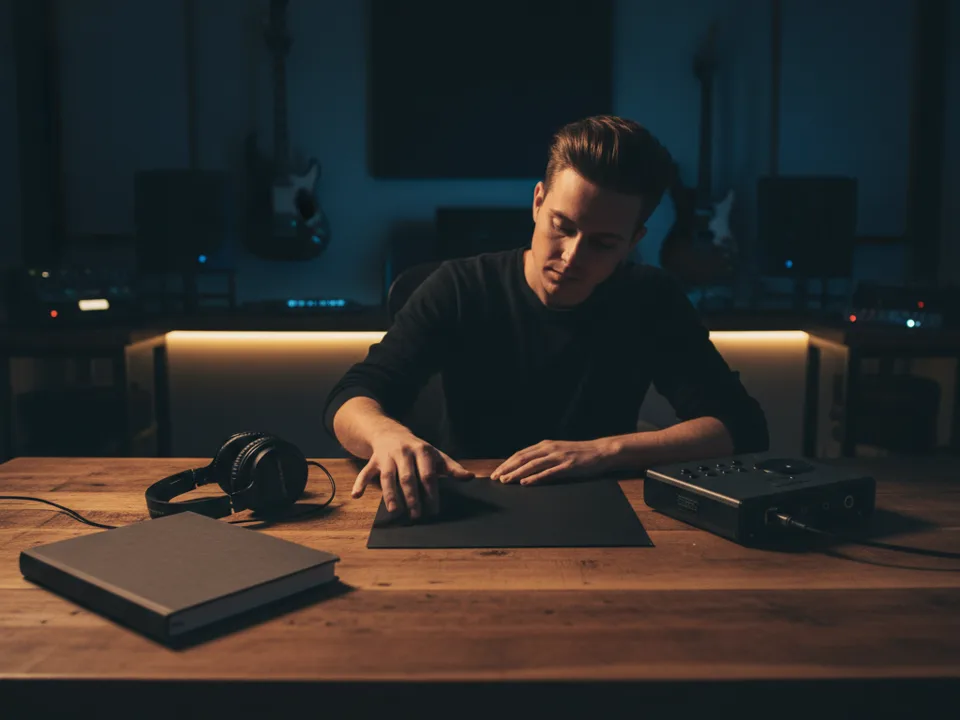
Lyrics and Style
Use the original prompt and tags as a starting point, then rewrite the lyrics, adjust the style, and shape the vocal direction before generating.
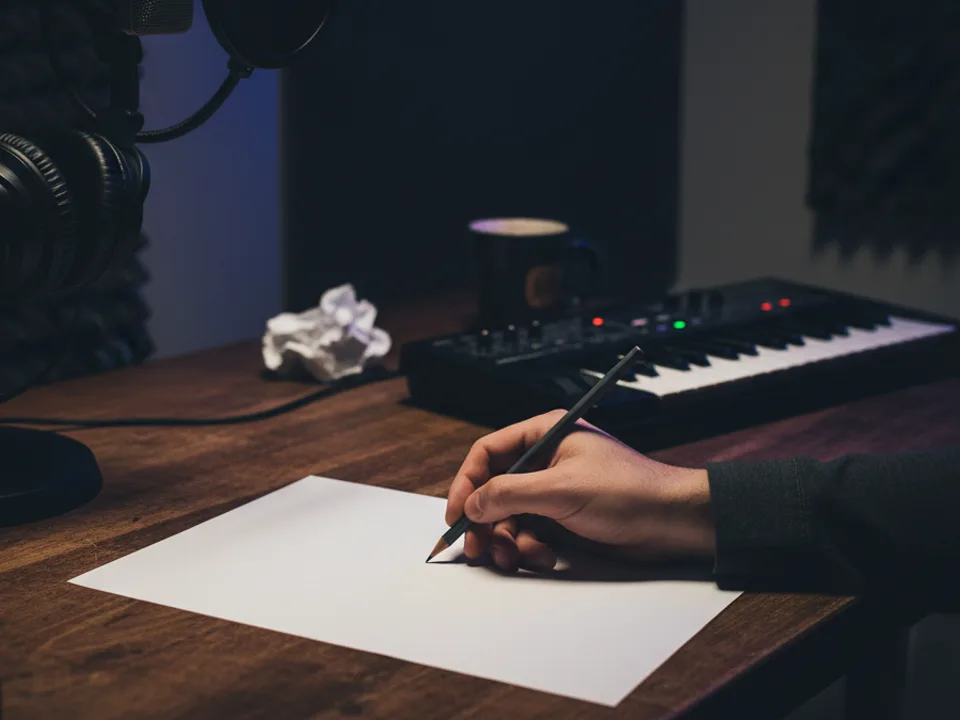
Workspace Review
Your new cover appears in the same music workspace, so you can listen, compare, rename, download, or keep building from it without changing tools.
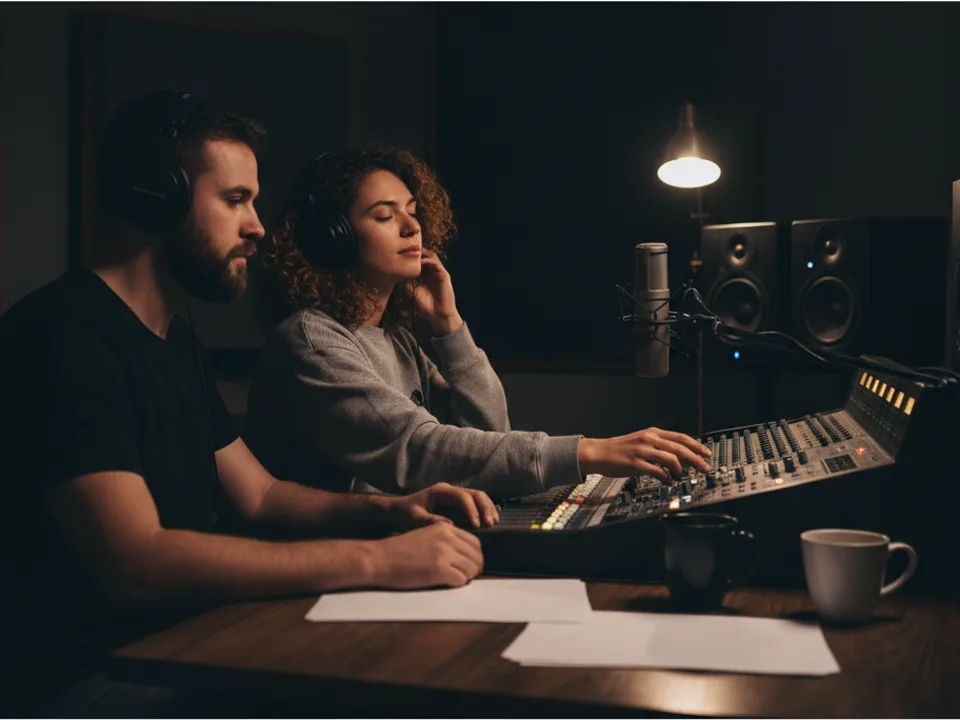
Short answers about using AI song cover generation inside PhonkMaker.
Select a song from your workspace, edit the lyrics and style if needed, then generate. The cover request uses the source clip ID and the final text in your fields.
Yes. The lyrics and style are copied from the selected source track as a starting point, but the generator uses your final edited inputs when you submit.
An AI song cover uses an existing generated track as the source clip. A normal music generation starts from a prompt or your own lyrics without a source clip.
It uses the same 10-credit cost as the music generator.
AI Song Cover
Choose a source song and create a new cover version with editable lyrics, style, and advanced controls.